InfolifyTool brings PDF and text tools together in one place. No more bouncing between different websites, each with its own ads or sign-up wall, just to merge a PDF or clean up a paragraph. Every tool runs directly in your browser using JavaScript your file or text is processed on your own device and never uploaded anywhere. Merge PDFs before sending a report, catch duplicate pages in a scan, convert text case for a headline, or generate a clean username. Just pick a tool, paste or upload your content, and get your result in seconds. No account, no software, no limits. New tools are added regularly.
PDF Tools
Convert, merge, split, rotate, watermark, and protect your PDF files securely with zero hassle. Combine multiple reports into a single file before emailing them, catch duplicate or blank pages left over from a scan, or add page numbers before printing or submitting a document all without installing PDF software.

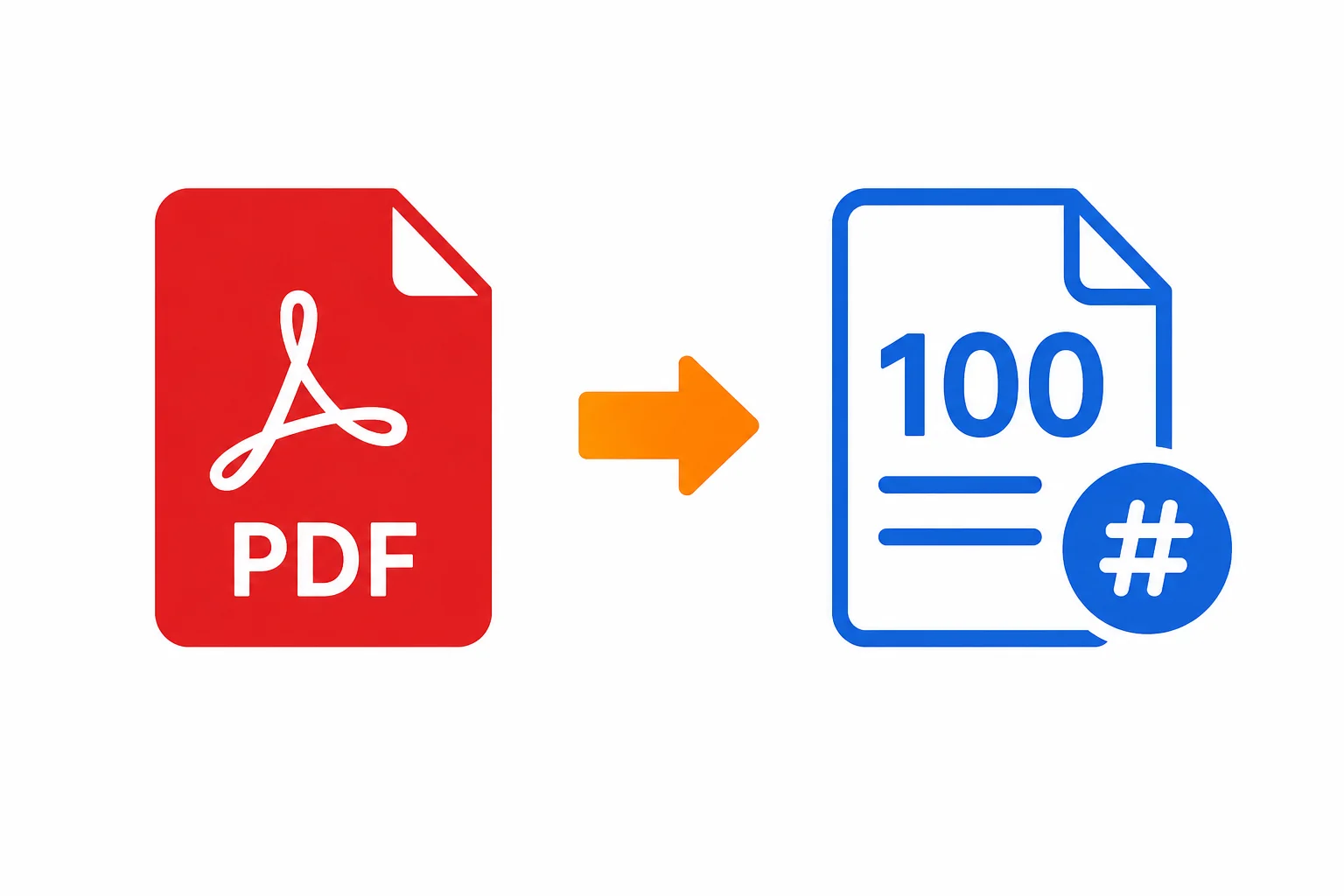
Add Page Numbers to PDF
Insert page numbers into PDF files in seconds.

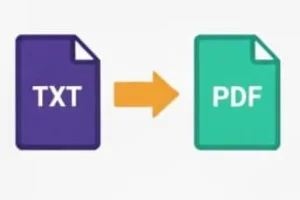
Copy Text To PDF
Convert text content into PDF files instantly.

Merge PDF Files
Combine multiple PDF files into one document.

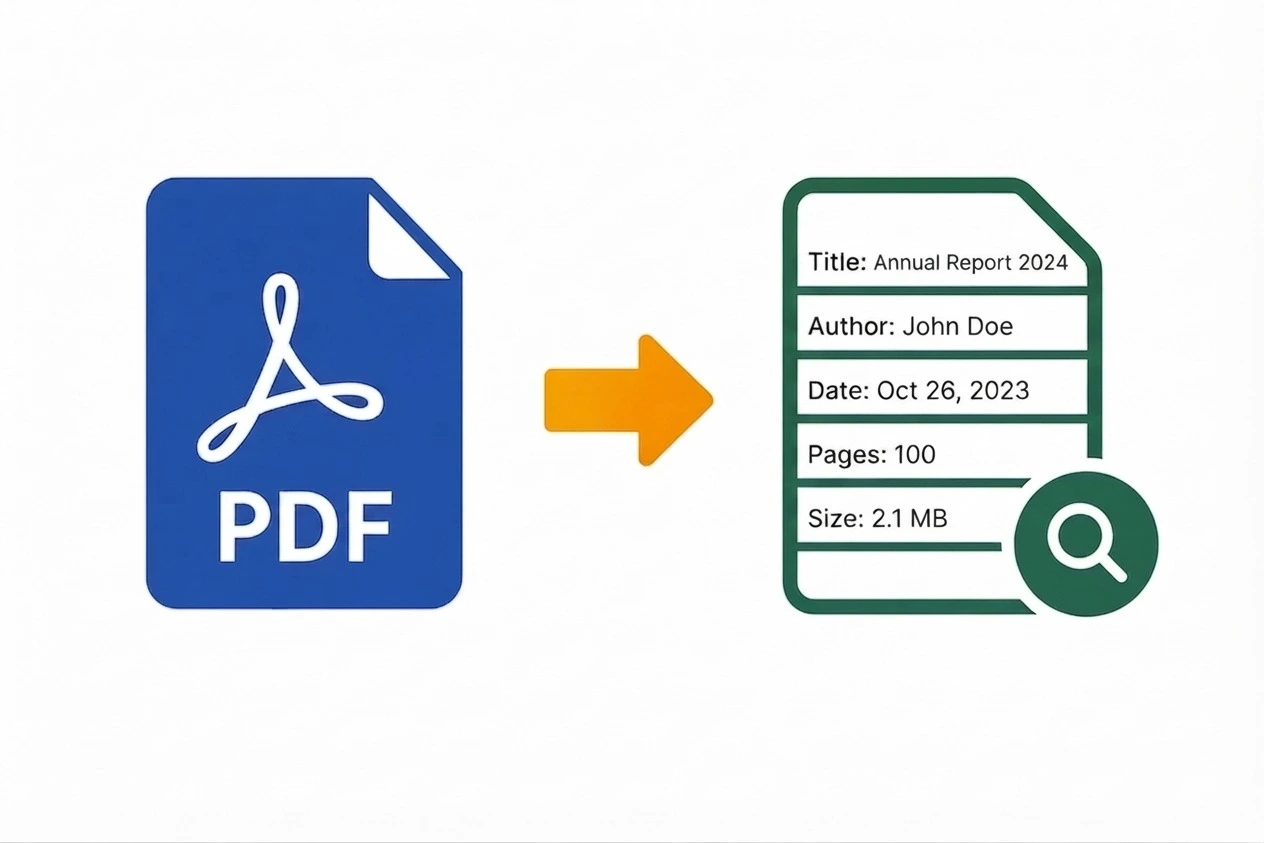
PDF Page Counter
Count pages in PDF documents.

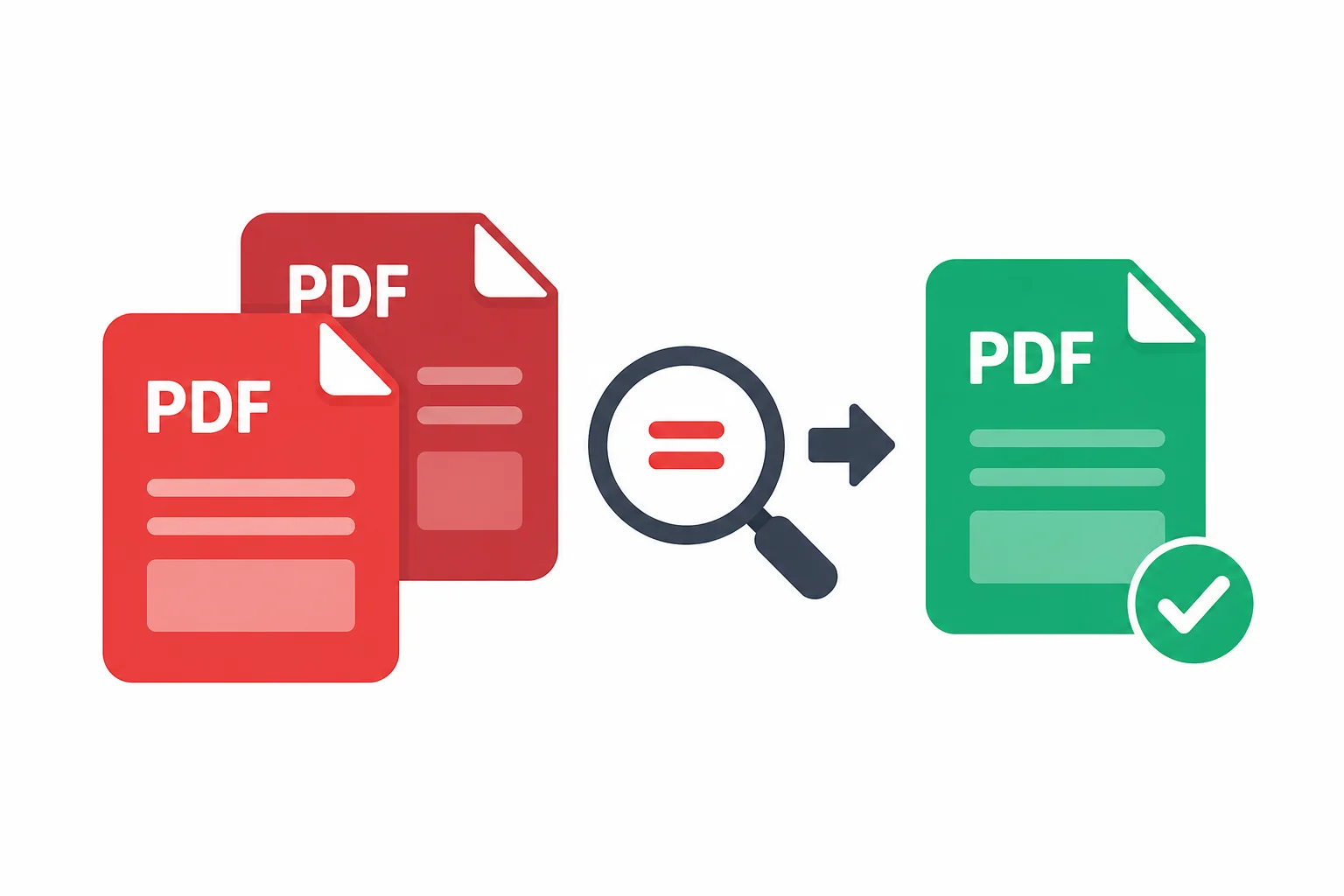
Find Duplicate Pages
Detect and identify duplicate pages in your PDF

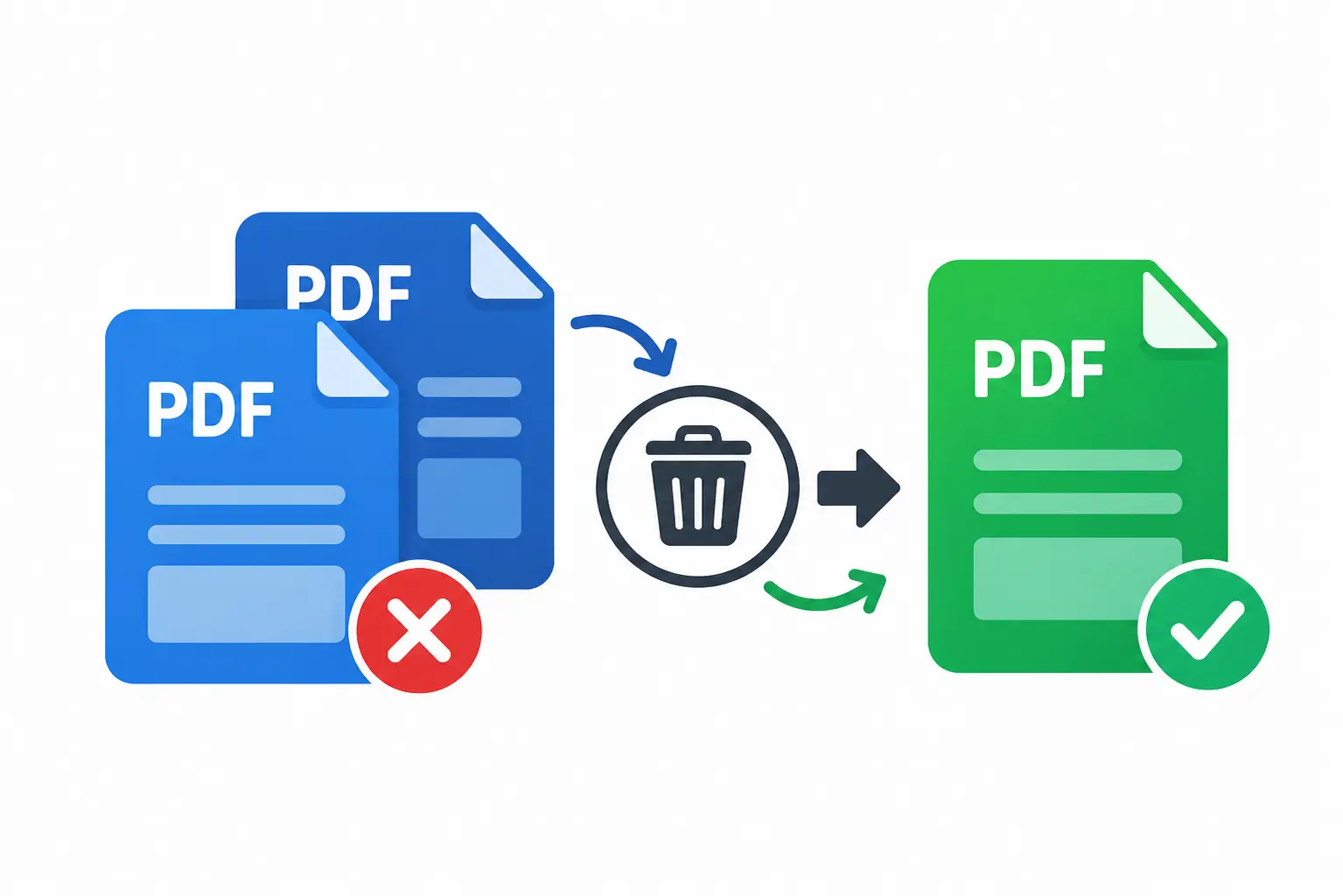
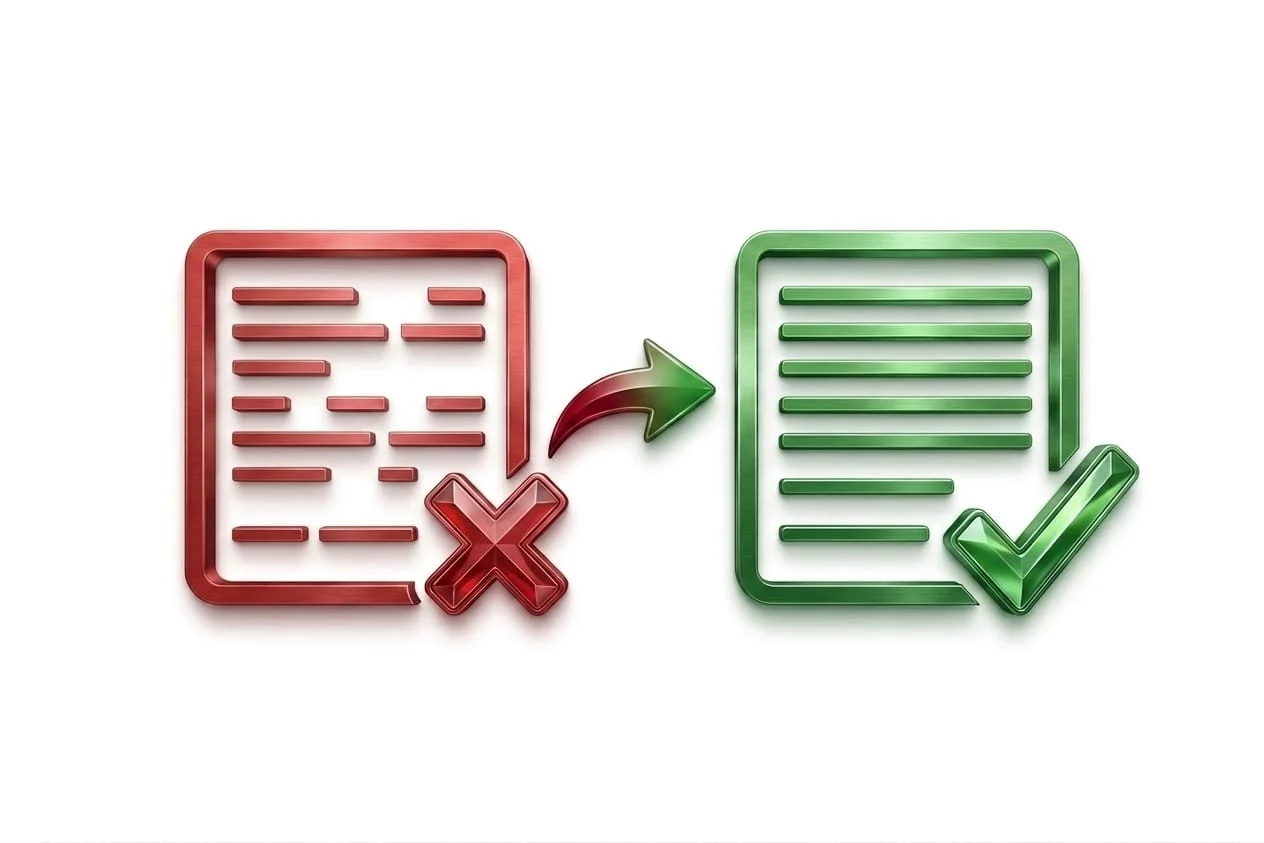
Remove Duplicate Pages
Delete duplicate and blank pages from your PDF

Urdu Text to PDF
Transform your Urdu writing into a PDF document.

Hindi Text to PDF
Save your Hindi text as a PDF document instantly.
Text Tools
Format, convert, and edit text instantly with free online text tools. Clean up paragraphs copied from a PDF or email, convert case for a headline or title, count words against a submission limit, or generate a fancy username for a profile all directly in your browser.

Case Converter
Convert text to uppercase, lowercase, title case, and more

Word Counter
Count words in your text instantly

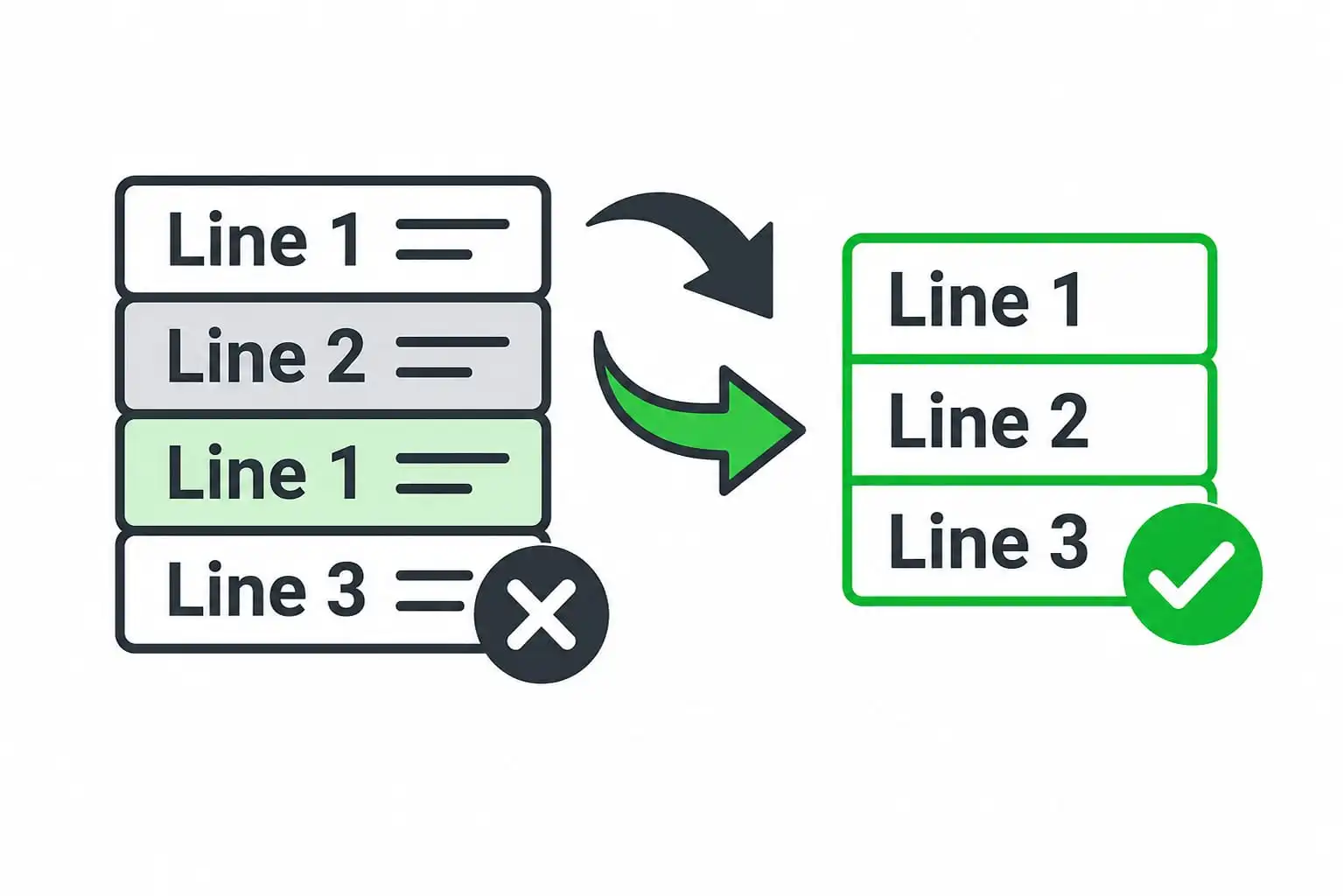
Remove Duplicate Lines
Delete duplicate and repeated lines from your text instantly

Remove Spaces
Remove extra spaces and clean up inconsistent text spacing

Character Counter
Count characters instantly for Twitter, SMS, SEO & more

Fancy Text Generator
Turn plain text into stylish and cool fonts.

Fancy Name Generator
Create unique and creative usernames for your profile.

Remove Empty Lines
Delete blank lines and clean up empty spaces in your text

Add Line Numbers to Text
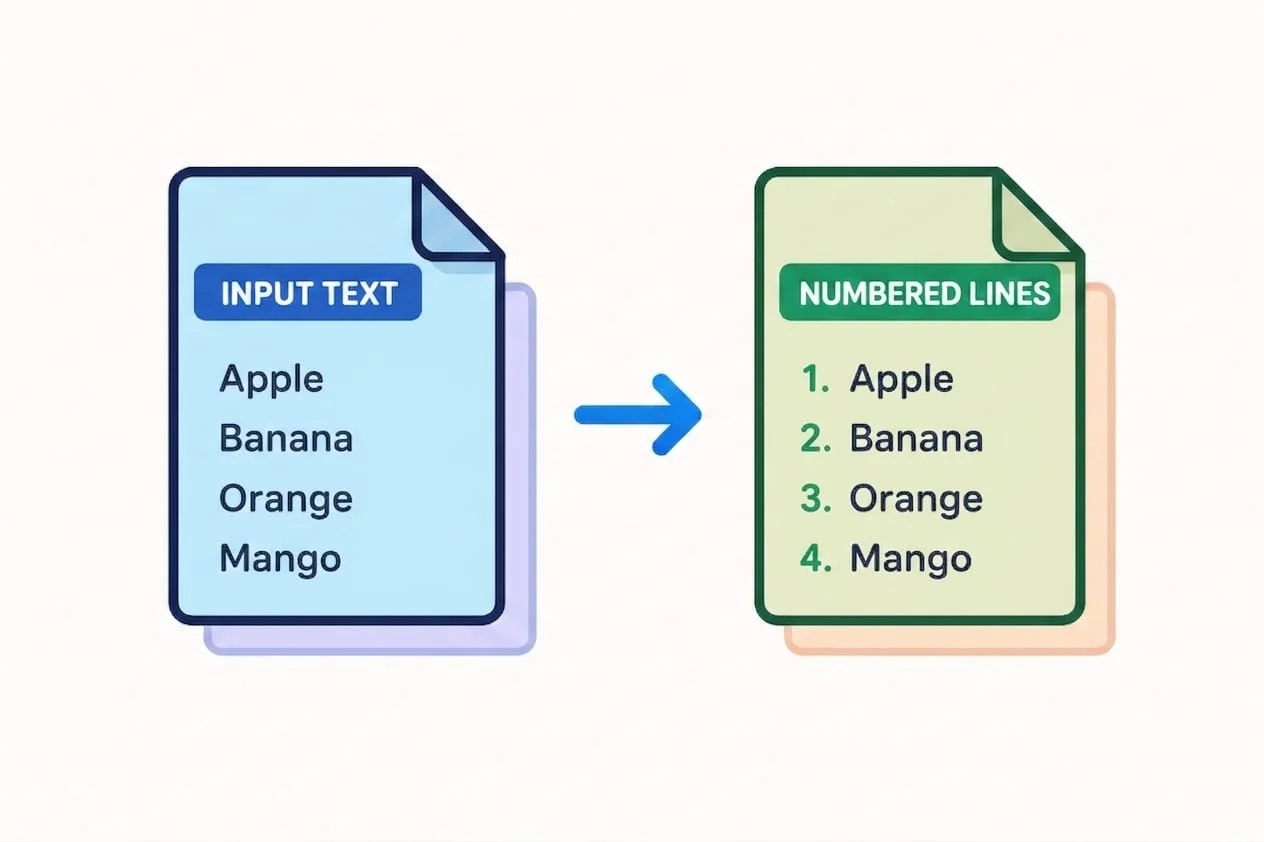
Click to instantly add sequential numbers to every line of your text.

Reverse Text
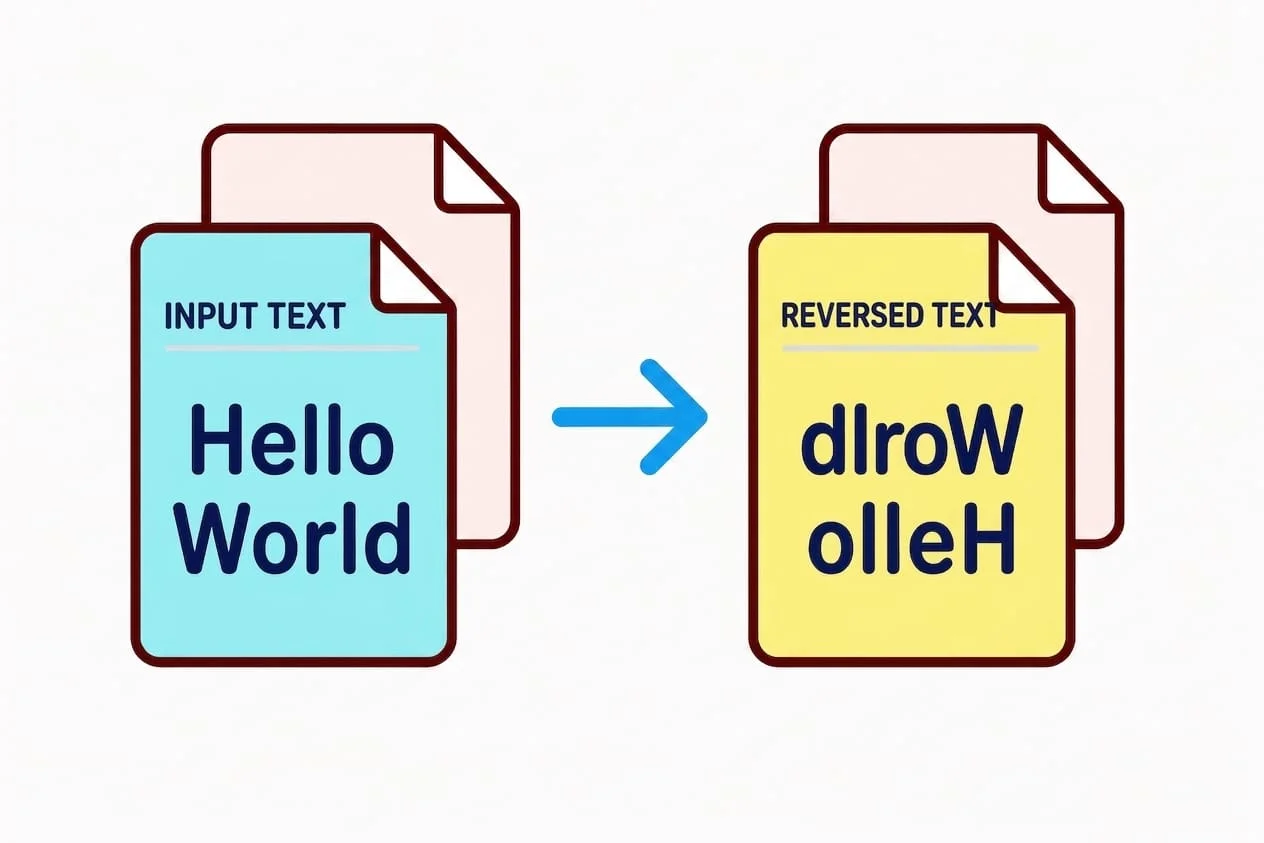
Flip, mirror, or reverse words, lines, sentences & paragraphs instantly.

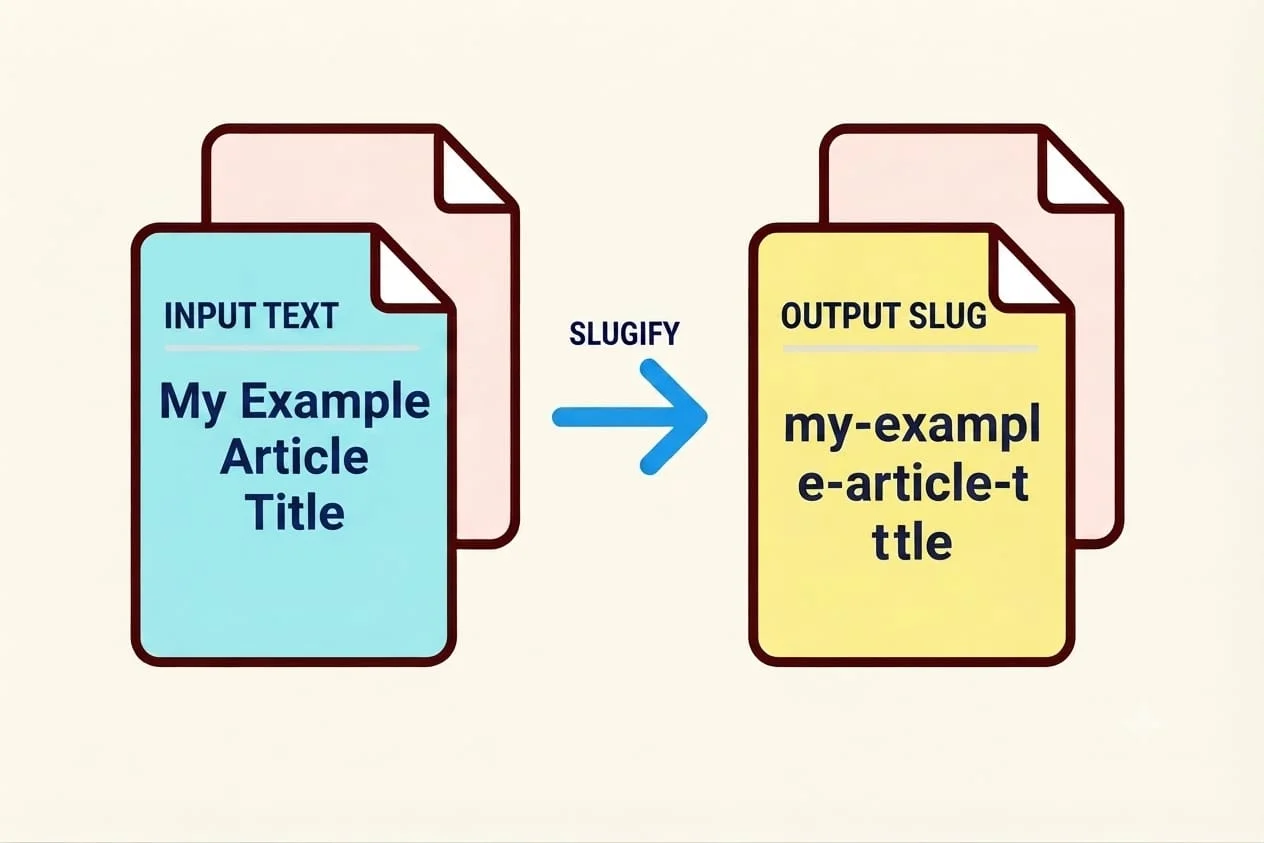
Generate Slug
Turn titles, product names, or headings into clean, SEO-friendly URL slugs

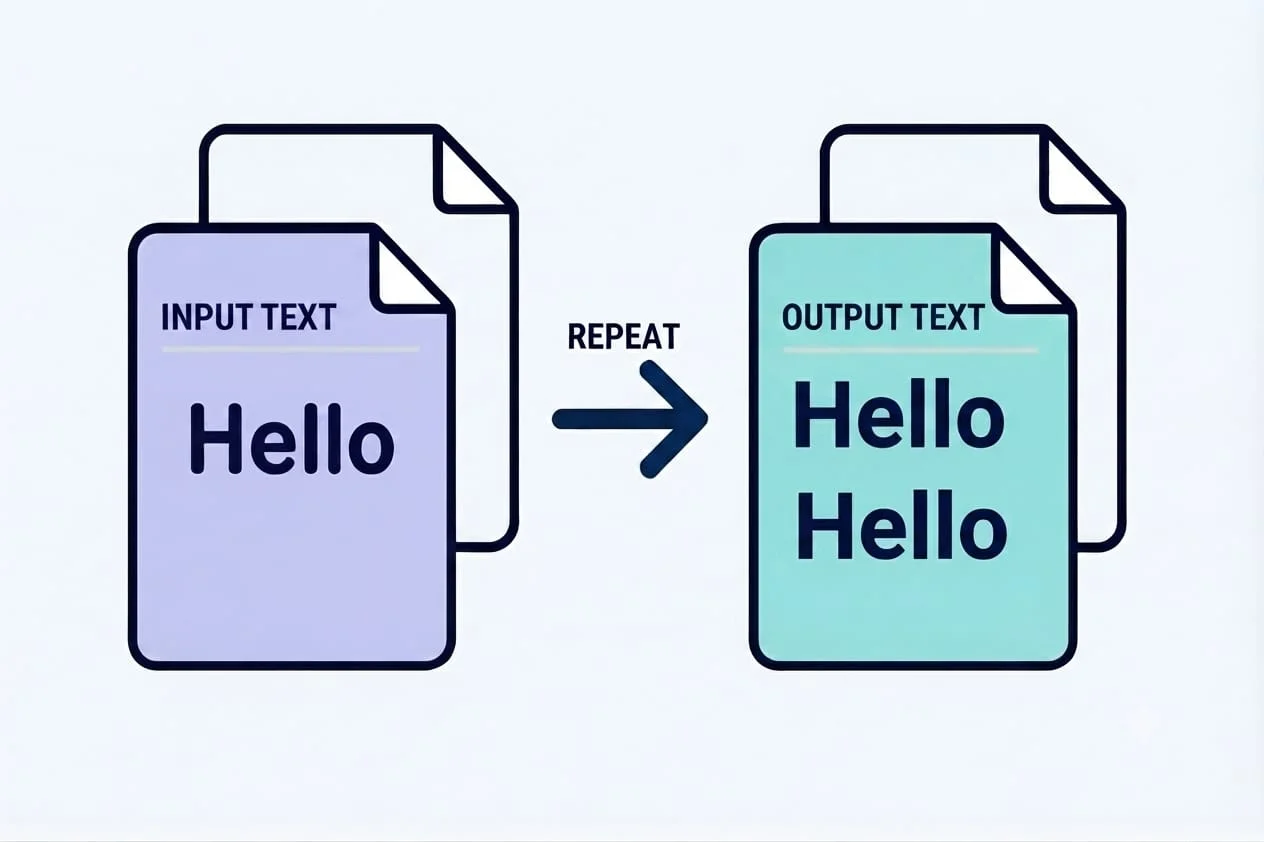
Text Duplicator
Duplicate text and repeat it exactly as many times as you need.

Passive Voice Checker
Find and fix passive voice in your writing

Strong Password Generator
Create secure passwords for WiFi, banking & email free & instant.

Remove Line Breaks Now
Remove line breaks and get clean paragraphs in seconds.
Why Choose InfolifyTool
Processing Happens On Your Device, Not Ours
Most free online tools upload your file to a server, process it there, then send it back meaning your document technically passes through someone else’s system. Every InfolifyTool runs its logic directly in your browser using JavaScript, so your file or text never leaves your device in the first place.
PDF and Text Tasks in One Place
Merging a PDF, checking it for duplicate pages, and then cleaning up text copied from that same PDF usually means three separate bookmarked sites, three sign-ups, and three sets of ads. Here, all of it lives under one tab.
No Account Required, Ever
Every tool opens ready to use the moment the page loads. There’s no account to create, no email to verify, and no paywall blocking a feature after your first few uses.
Built One Tool at a Time
Each tool on this site is built to do a single job well a PDF page counter just counts pages, a text sorter just sorts text rather than being one bloated tool trying to do everything at once and doing none of it cleanly.
How It Works
Step 1: Pick the Tool You Need
Browse by category PDF Tools or Text Tools and open the one that matches your task.
Step 2: Add Your Content
Paste your text directly into the box, or upload your file, right on the same page.
Step 3: Get Your Result Instantly
Copy your result to your clipboard or download it no waiting, no email confirmation, no extra tab.
FAQ
Is InfolifyTool actually free to use?
Yes. Every tool on the site is free, with no premium tier, no hidden fees, and no cap on how many times you can use them.
Do I need to create an account to use these tools?
No. Every tool works the moment the page loads there’s no sign-up, no email verification, and no login required at any point.
Is my file or text uploaded to your servers?
No. Every tool processes your file or text directly in your browser using JavaScript. Nothing is uploaded, stored, or seen by anyone else closing the tab clears everything.
What kinds of tools does InfolifyTool offer?
Currently two categories: PDF Tools (merging, page numbering, duplicate page detection, and more) and Text Tools (case conversion, word counting, text generators, and more). New tools are added to the toolkit regularly.
Do I need to install any software to use InfolifyTool?
No. Every tool works directly in your web browser on any device desktop, tablet, or phone with nothing to download or install.